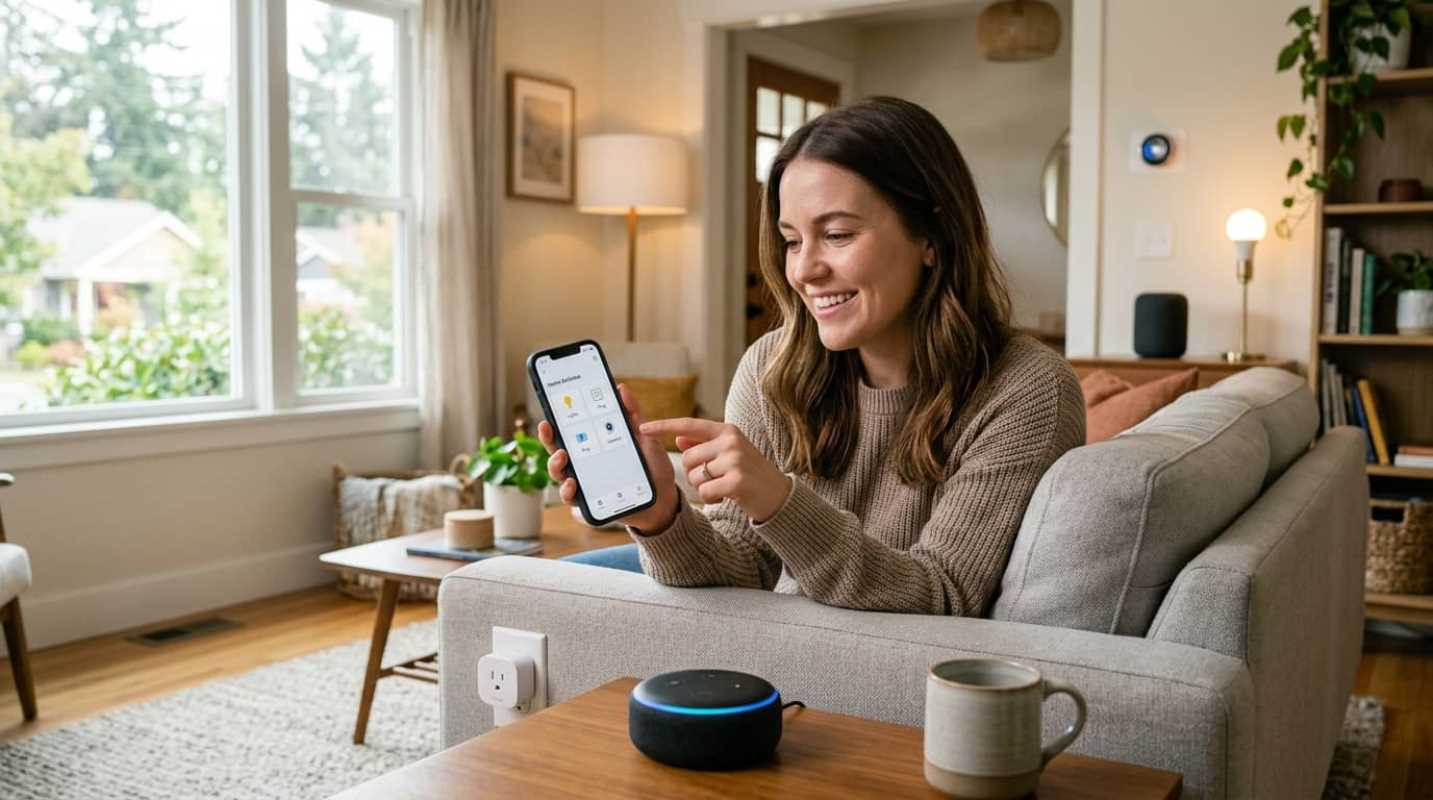
Have you ever walked up to your front door with hands full of groceries, wishing the door would just unlock itself? Or maybe you've crawled into bed, only to realize you left the kitchen light on. We've all been there. The good news is that home automation is no longer a futuristic fantasy reserved for tech experts or people with massive home renovation budgets.
Today, making your home smart is accessible, highly practical, and surprisingly affordable. In 2026, the global smart home market is valued at over $164 billion, with more than 77 million US households actively using connected devices.⁴ That means over half of the homes in the country are already automated to some degree.⁴ Homebuyers are paying attention too. About 70% of buyers actively look for smart homes, and most are willing to pay a premium for pre-installed tech.¹
So what does this actually mean for you? It means you can start small, spend a little money, and immediately enjoy more convenience, better security, and lower energy bills. You don't need a degree in computer science to set this up. If you can use a smartphone, you can build a smart home.
Choosing the Best Smart Home Systems for Your Needs
Before you buy a single light bulb, you need to choose the brain of your operation. This is your smart home ecosystem. It's the single app and voice assistant you'll use to control everything. If you don't choose one early, you'll end up with app fatigue, which is the digital equivalent of having ten different remote controls on your coffee table.
The big three ecosystems dominate the market, and each has its own personality.
• Amazon Alexa: This is the most popular option for budget-conscious users because it works with nearly everything. Alexa has the widest device compatibility, and the routines are highly customizable. On the downside, the Alexa app can feel cluttered, and Amazon is pushing toward a paid Alexa Plus subscription for advanced AI features.²
• Google Home: Powered by Gemini AI, Google Assistant is the smartest and most conversational assistant. It's excellent at understanding natural speech. But Google has a history of discontinuing products, which makes some long-term users nervous.²
• Apple HomeKit: This is the gold standard for privacy and speed. Because HomeKit processes commands locally on your home network instead of sending them to the cloud, your lights turn on instantly. The catch is the Apple tax. You must own an Apple TV or HomePod to act as a hub, and compatible devices are usually more expensive.²
When you shop for devices, look for the Matter logo. Matter is a universal standard that allows different brands to talk to each other. This standard makes it easier than ever to mix and match brands.³ You should also look for Thread, which is a fast, low-power network protocol that keeps your smart devices from slowing down your home Wi-Fi.
Needed Home Automation Devices to Buy First
When you're starting out, don't try to automate your entire house in one weekend. Instead, focus on solving daily annoyances. Start with a few low-barrier devices that offer immediate value.
• Smart Speakers: This is your central command center. A simple Echo Dot or Nest Mini gets you voice control and a physical speaker for your kitchen or living room.
• Smart Plugs: The Kasa Smart Wi-Fi Plug Mini is an absolute lifesaver. It plugs into any standard outlet and turns dumb appliances, like an old coffee maker or a holiday tree, into smart devices you can control with your phone.
• Smart Bulbs: Philips Hue is the premium choice for color and reliability, while Kasa offers excellent budget-friendly Wi-Fi bulbs. You can dim them, change colors, or set them to turn off automatically when you leave.
• Smart Thermostats: The Google Nest Learning Thermostat or Ecobee Smart Thermostat can cut your heating and cooling costs. They learn your schedule and adjust the temperature when you're away, saving homeowners up to 15% on energy bills.
• Smart Locks and Doorbells: The SwitchBot Lock Ultra fits right over your existing deadbolt, making it perfect for renters. Pair it with a video doorbell, and you can see who is at the door and let them in without leaving your couch.
Building a Bulletproof Smart Home Setup
A smart home is only as good as the network supporting it. If your Wi-Fi is spotty, your smart lights will constantly show as offline, which is incredibly frustrating.
Before you install anything, make sure you have a strong wireless signal where the devices will live. If your router is old, consider upgrading to a mesh Wi-Fi system to cover dead zones.
Once your network is ready, follow this simple setup process:
1. Set up your smart speaker or hub first. This establishes your primary ecosystem.
2. Install your new smart device and open its native app (like the Kasa or Hue app) to connect it to your Wi-Fi.
3. Link that native app to your main smart home app (Alexa, Google Home, or Apple Home).
4. Group your devices by room in your main app. This allows you to say, "Turn off the living room," instead of naming every single bulb.
Keep your main app dashboard organized. Put your most-used devices, like the front door lock or living room lights, right at the top of your screen for quick access.
Scaling Your Automation: Moving Beyond the Basics
Once you have a few devices working together, you can start creating routines. Routines are simple if-this-then-that instructions that automate your daily habits.
Like, you can build a "Good Morning" routine. When you say those words, your smart speaker can read the weather, turn on the kitchen lights to 50% brightness, and start your coffee maker.
You can also integrate sensors to make things happen without voice commands. A motion sensor in the hallway can turn on a dim nightlight when you walk to the bathroom at 2:00 AM, then turn it off three minutes later. You can also use contact sensors on your windows to turn off your smart thermostat automatically if a window is left open.
To save even more money, look into energy-monitoring smart plugs. These show you exactly how much electricity your appliances are using, helping you spot energy vampires in your home.
Your Smart Home Roadmap
As you build out your smart home, remember to take it slow. There's no need to buy everything at once. Start with one room, see what works for you, and expand from there.
Make sure to keep your account security tight. Use strong, unique passwords for your smart home accounts and enable two-factor authentication. This keeps your cameras and locks secure from unwanted access.
Building a connected home is a journey. By starting with simple, reliable devices and sticking to a single ecosystem, you'll create a living space that works for you, making your daily life just a little bit easier.
Sources:
1. Smart Home Automation Guide
https://www.wholehousefan.com/blogs/wholehousefans/smart-home-automation-guide
2. Apple HomeKit vs Amazon Alexa vs Google Home
https://www.revimote.com/compare/apple-homekit-vs-amazon-alexa-vs-google-home
3. Smart Home Market Trends
https://www.makerstations.io/smart-home-market-trends/
4. Smart Home Statistics
https://scoop.market.us/smart-home-statistics/